Sit, stand, move: setting up a healthy workstation
A practical, no-nonsense guide to adjusting your desk, chair and screen - at the office or at home.
A practical, no-nonsense guide to adjusting your desk, chair and screen - at the office or at home.

The best posture is the next one. Bodies are made to move, and even a perfect sitting position becomes uncomfortable after a few hours. A good workstation makes it easy to change position often.
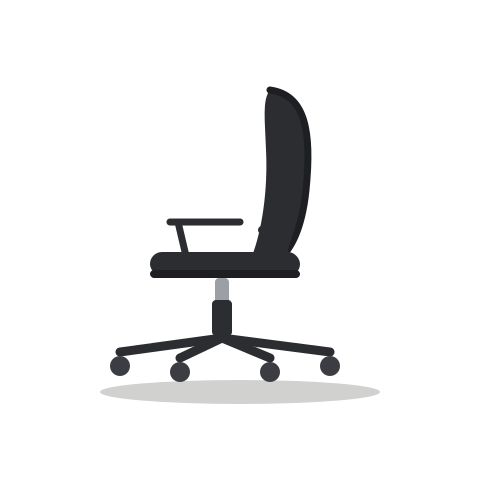
Adjust the seat height so your feet rest flat on the floor and your knees are roughly level with your hips. Set the seat depth so there are two or three fingers of space between the edge of the seat and the back of your knees, then adjust the lumbar support to fill the curve of your lower back.
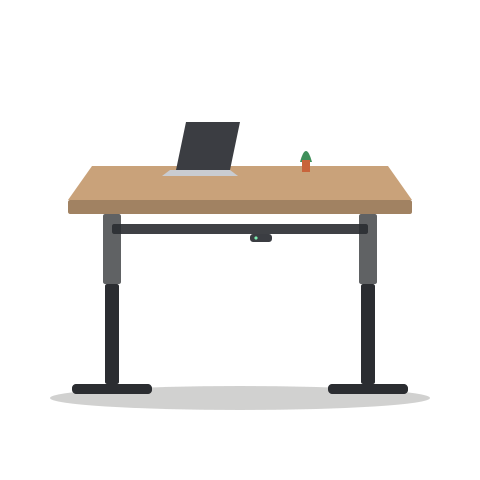
With your shoulders relaxed, your elbows should bend at around 90 degrees with forearms resting lightly on the desk. On a sit-stand desk, save this as your sitting preset - and then find the same arm position standing up and save that too.
The top of the screen should be at or slightly below eye level, about an arm's length away. If you work on a laptop for long periods, a stand plus a separate keyboard and mouse makes a big difference.
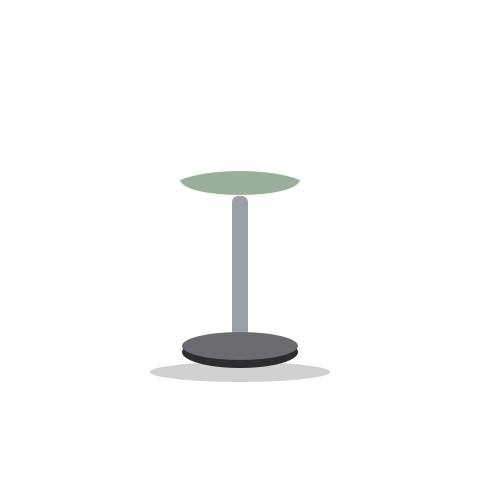
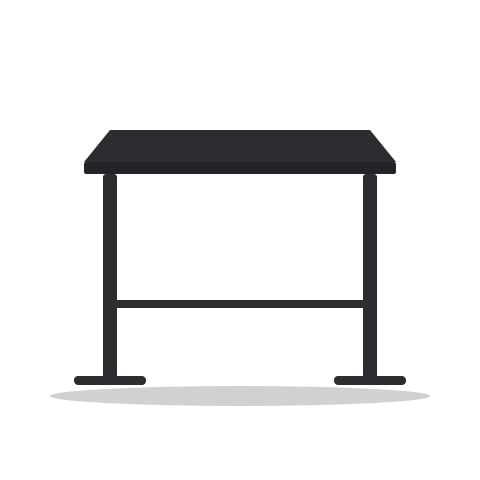
Alternate between sitting and standing through the day rather than standing for hours. Use stand-up tables for short meetings, take calls walking, and try an active stool to keep moving while you stand.
 Hybrid working · 5 min read
The hybrid office, without the chaosWhen people come in on different days, the office has to work differently. Here is how to set up shared space that people actually want to use.
 Note-taking & planning · 4 min read
Why pen and paper still win the meetingWe type faster than we write. So why do so many people still reach for a notebook when it really counts?
 Agile working · 4 min read
Five ingredients for workshops that workGood workshops are designed, not improvised. The right space and materials do half the work.